
The Retrospective looks at the process, not the product — and its only real output is a small number of changes you will actually make.
The Sprint Retrospective closes the Sprint. The Scrum Guide’s purpose for it is to
plan ways to increase quality and effectiveness — by inspecting how the last Sprint went
with regard to individuals, interactions, processes, tools and the Definition of
Done.
Every noun in that list is about how you work. None is about the product.
That is the distinction that separates a Retrospective from a Review.
The three questions
- What went well? Name it so it survives. Practices that work disappear when
nobody says out loud that they are working. - What got in the way? The process, not the people.
- What will we change? The only part with consequences.
Making it safe enough to be useful
A Retrospective where nobody says anything uncomfortable is a meeting, not a
Retrospective. Two habits help more than any facilitation technique:
- Attack the process, never the person. “The handover is losing
context” goes somewhere; “Ana forgot to tell us” does not. - Close the previous one first. Start by reading last Sprint’s actions and
saying what happened to them. Nothing kills honesty faster than a team that has
learned its Retrospectives change nothing.
Why it is last
It sits after the Review on purpose. The Review tells you what the outcome was; the
Retrospective asks what in your way of working produced it. Doing them the other way
round means retrospecting without knowing how the Sprint turned out.
In Agile Together
Those actions become [Improvement] cards in your Product Backlog — not notes in a document. And the step closes the Sprint: it moves the counter on, so the next Planning knows which Sprint it is.
Next
Next: the weekly OKR check-in, where the four Key Results become a decision.
Agile Together is a free course. The package — scripts plus a portable Python — is a single download: get the course package. You install nothing.
Project Together
Track your progress through PMBOK 8
Create your free account to save your reading progress, earn points on every quiz, and unlock certificates as you master each domain.
Create Free Account →Free forever • No credit card required
QUIZ
Want to test what you learned from this article?
One multiple-choice question + one practical reflection. Earn Project Together points!
Go deeper in the book
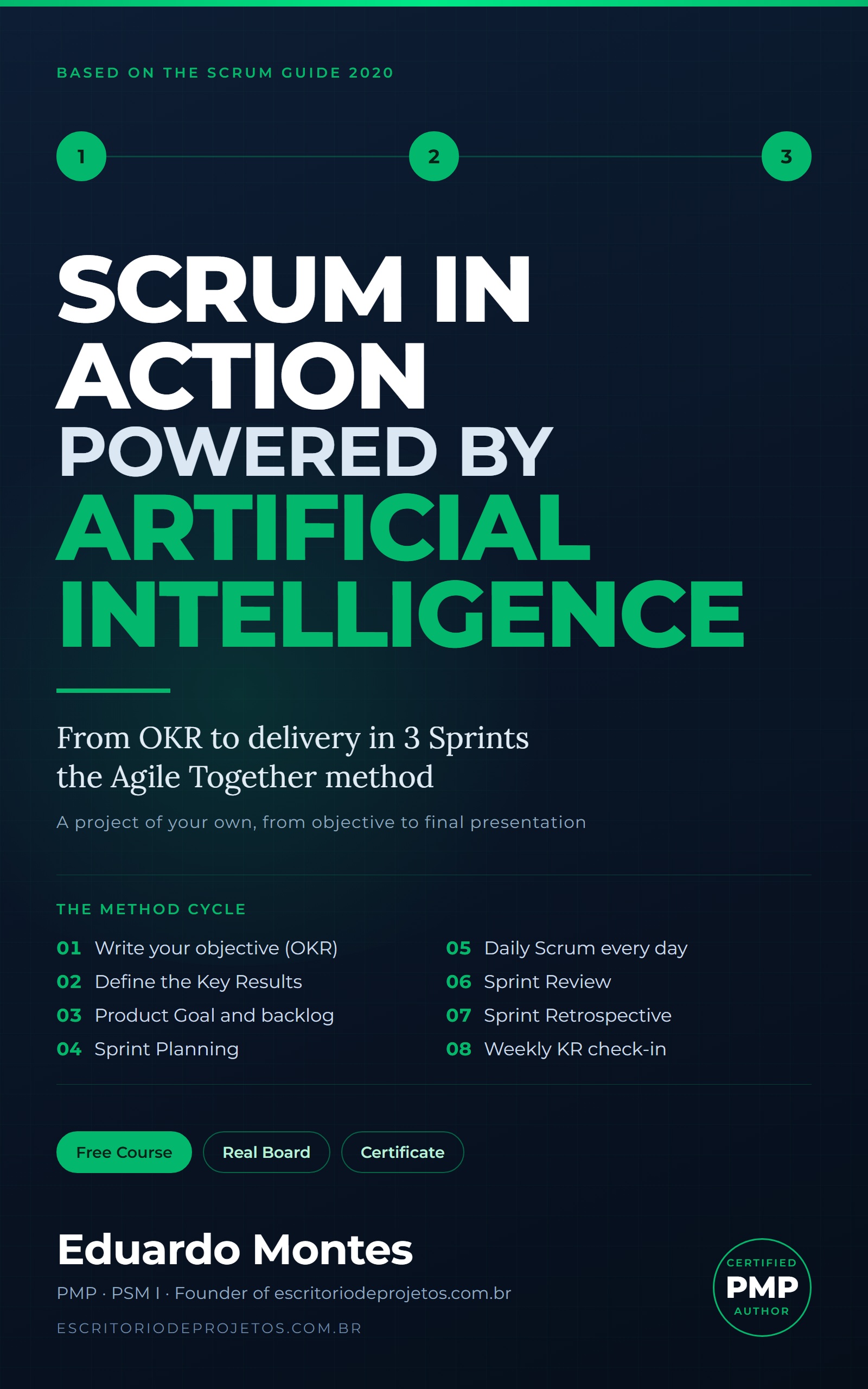
Scrum in Action
Three real Sprints on a project of your own, from the OKR to the final presentation, with the AI you already use at every event.
See the book — US$ 5.99 →
 Project Management