
Sprint Planning answers three questions — why, what and how. The Sprint Goal is the part most teams skip, and the part that makes the rest work.
Sprint Planning opens the Sprint. The Scrum Guide gives it a timebox of eight hours
for a one-month Sprint, usually shorter for shorter Sprints — and, more usefully, it
gives it three questions.
The three questions
1. Why is this Sprint valuable?
This produces the Sprint Goal: a single sentence describing the value the
Sprint delivers. It is the commitment attached to the Sprint Backlog, and it is not the
list of items — it is the reason behind them.
2. What can be Done this Sprint?
The Developers select items from the Product Backlog. Nobody assigns them: selecting
is the team’s job, informed by past performance, capacity and the Definition of Done.
3. How will the chosen work get done?
Enough decomposition to start — often into tasks of a day or less. The Guide does not
prescribe how far you go, and it explicitly leaves it to the Developers.
Capacity, not optimism
The single most common failure of Planning is committing to what you wish you could
do. The antidote is boring and it works: look at what you actually finished last
Sprint. That number, not your enthusiasm, is your capacity.
First Sprint, you have no number. Guess low. A Sprint that finishes early teaches you
your capacity; one that finishes at 40% teaches you nothing except that Planning was
fiction.
What comes out
- A Sprint Goal — one sentence
- A Sprint Backlog — the selected items, plus the plan for delivering them
- A shared understanding of what “done” means for each of them
In Agile Together
⚠️ The step refuses an item that does not exist on your board rather than creating an invented one — the failure mode where an AI hallucinates a plausible backlog item and the plan quietly drifts from the work.
Next
The next lesson is the artefact Planning produces: the Sprint Backlog.
Agile Together is a free course. The package — scripts plus a portable Python — is a single download: get the course package. You install nothing.
Project Together
Track your progress through PMBOK 8
Create your free account to save your reading progress, earn points on every quiz, and unlock certificates as you master each domain.
Create Free Account →Free forever • No credit card required
QUIZ
Want to test what you learned from this article?
One multiple-choice question + one practical reflection. Earn Project Together points!
Go deeper in the book
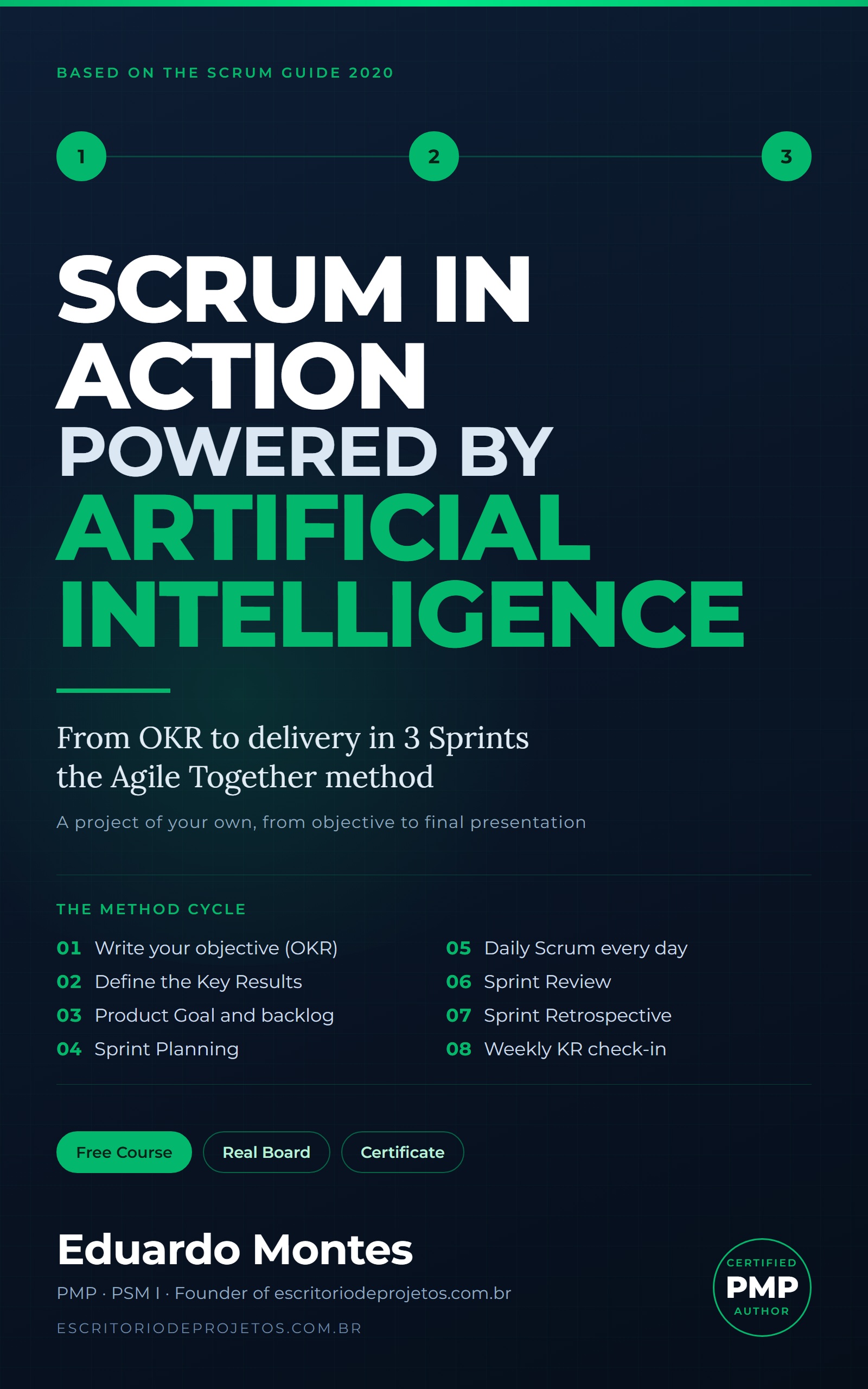
Scrum in Action
Three real Sprints on a project of your own, from the OKR to the final presentation, with the AI you already use at every event.
See the book — US$ 5.99 →
 Project Management