
The whole setup is one question: your ProjectAdm token. Here is what happens around it, and what to do when something does not.
This is the only setup lesson in the course, and it is short on purpose. You will
type one thing.
The three steps
- Download and extract the package.
Get the course package, then right-click → Extract
all. Actually extract it — a course does not run from inside a zip. - Create your free ProjectAdm account at
projectadm.com and generate a token:
your profile → API Keys. - Double-click
Iniciar.bat(Windows) or
Iniciar.command(Mac). It asks for the token — and that is all.
pip. If you already have Python, the course ignores it and uses the one it brought.What happens after you paste the token
Start creates your portfolio and your board in ProjectAdm, writes
everything into the course’s configuration for you, and opens the menu. Then
step 1 asks two questions — the name of your project (your board takes that
name) and your Objective — and builds the board out:
- Product Backlog — everything that could be done, in order of value
- Sprint Backlog — what you committed to for the current Sprint
- Daily Scrum — today’s focus
- Completed — what is done; this is where the KRs are measured from
- Scrum Events — the events of every Sprint, created up front
- Reference — the course playbook, and at the top of it the
“0. Inbox” card
The first four are states of the work: an item travels through them. Reference
is not a state — it is for consulting. That is why the Inbox lives inside it: pasting an
AI answer is not a state of your product.
- Choose the step in the menu — it hands you the prompt (clipboard).
- Paste it into the AI you already use and copy the whole answer.
- Paste that answer into the “0. Inbox” card on your board.
- Run the same step again — it reads the board and carries on.
Running a step twice is safe: with no answer in the card, it simply hands you the prompt again.
When something does not work
- Clicking Start does nothing. Confirm you extracted the zip. Running
from inside the compressed file is the number-one cause. - “Windows protected your PC”. More info → Run anyway. It is
the standard warning for a downloaded file. - The token was refused. Generate another one and paste it again, with no
spaces. Start only accepts a token that actually works against the API — it tests
before saving. - I cannot find the Inbox. It is the first card in the Reference list,
and it appears when you run step 1. - The step says it found nothing. The answer did not reach the card, or reached
it in part. Open the card, check the whole text is there, and run the step again.
Next
Lesson 9 starts the work itself: the Product Backlog, and the Product Goal that orders it.
Agile Together is a free course. The package — scripts plus a portable Python — is a single download: get the course package. You install nothing.
Project Together
Track your progress through PMBOK 8
Create your free account to save your reading progress, earn points on every quiz, and unlock certificates as you master each domain.
Create Free Account →Free forever • No credit card required
QUIZ
Want to test what you learned from this article?
One multiple-choice question + one practical reflection. Earn Project Together points!
Go deeper in the book
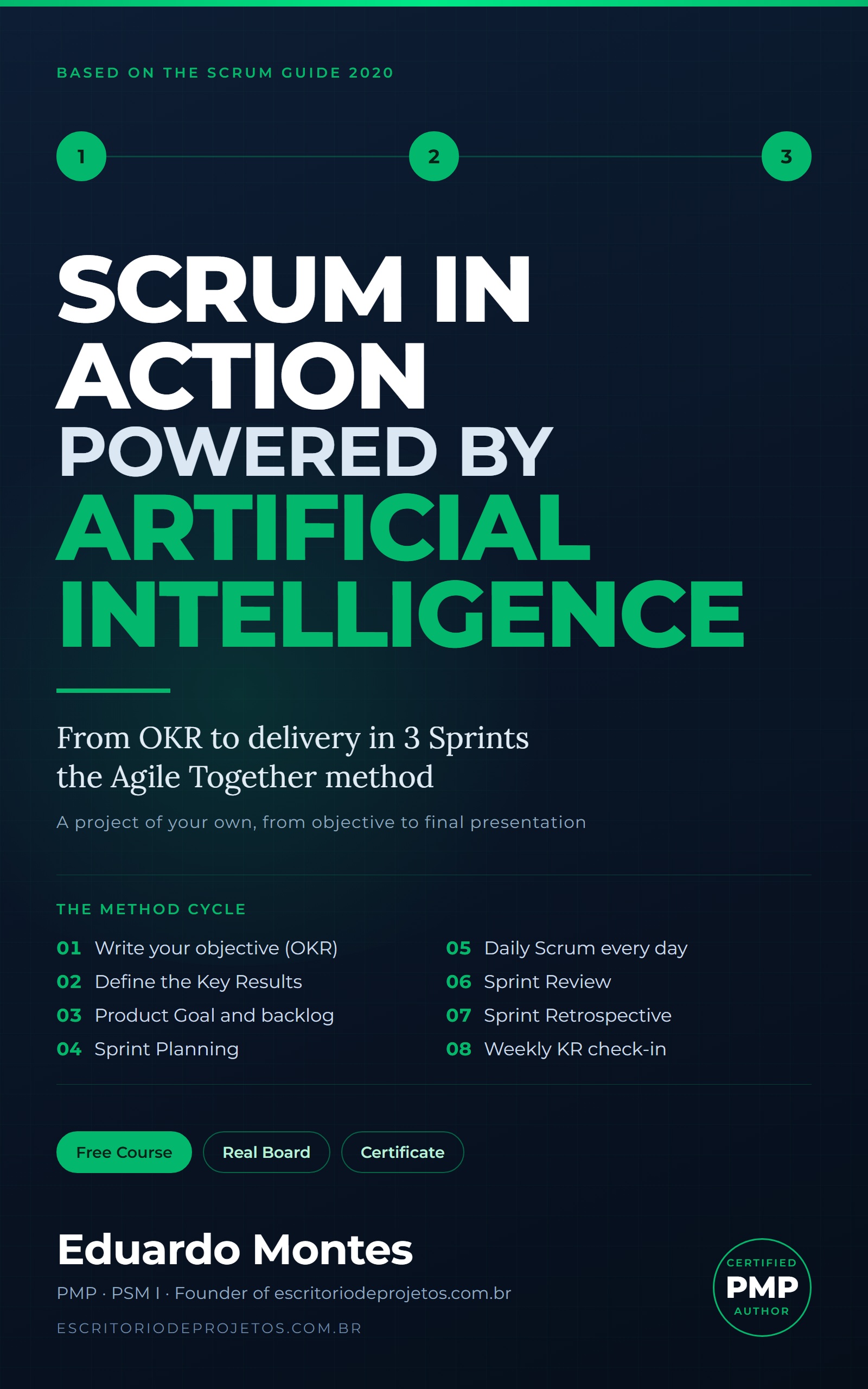
Scrum in Action
Three real Sprints on a project of your own, from the OKR to the final presentation, with the AI you already use at every event.
See the book — US$ 5.99 →
 Project Management