
You have understood the concept; now it is time to build the diagram. In this hands-on guide you map a process in BPMN step by step — lanes, milestones, gateways, subprocesses and validation — using AI to generate the draft. In BPM Together, the AI generates the BPMN and you refine it in bpmn.io (free, in the browser).
1. The setup: the AI generates, bpmn.io draws
The rhythm is always the AI proposes, you decide:
- You describe the process in two parts (STEPS + FLOW, below).
- The AI transcribes it into the lists the course reads.
- The script draws a valid BPMN 2.0 file.
- You open it in bpmn.io, adjust the layout and correct it.
- You validate, export (PNG/SVG + the
.bpmn) and keep it in the course folder (recording owner, inputs and outputs in the fields of the process card in ProjectAdm).
The AI removes the boring part (assembling box by box); you keep the part that matters: deciding whether the flow is right.
2. The elements, in practice
- Lanes = the actors (e.g. Employee, Manager, Finance). One actor, one lane.
- Start event in the lane of whoever triggers the process.
- Activities always verb + noun (“Check the receipts”), in the lane of whoever performs them.
- Gateways (diamond) at the decision points, with each output named (“Yes”, “No”).
- Milestones group activities into stages/phases (e.g. Request → Approval).
3. The two-part model (STEPS + FLOW)
This is the only thing you write by hand — and it is exactly what the course prompt asks for.
Part 1 — STEPS (what happens and who does it). One line per step, in the format id — actor — action. Use A1, A2… for tasks and G1, G2… for decisions, always written as a Yes/No question:
A1. Employee — fills in the reimbursement request (with the receipts)
A2. Employee — sends the request to the manager
A3. Manager — checks the receipts
G1. Manager — Receipts complete?
Part 2 — FLOW (the order, shown separately). The arrows connecting the ids. On the outputs of a gateway, mark [Yes]/[No], say which is the normal path, and use (back to X) for rework:
A1 -> A2 -> A3 -> G1
G1 [Yes, normal] -> A5
G1 [No] -> A4  (back to A1)
The 3 golden rules: each actor is one lane and always keeps the same name; every gateway is a Yes/No question with the normal path marked; rework is (back to X) and an ending outcome is (END). Follow them and the same process gives the same diagram in any AI — because nothing is left for the AI to guess.
4. Task types and subprocesses
In BPMN, a task can be manual, user, service (automated) or message — marking the type already prepares the future automation. When an activity grows too large, turn it into a subprocess (a box that “opens” into another diagram), keeping the main diagram readable.
5. Validate and save (do not skip this)
Before calling it done: does every flow have a start and an end? Does every gateway have its outputs named? Do the names follow verb + noun? Do the lanes match the people who actually do the work? Then validate, export the .bpmn and the image and keep them in the course folder. Tip: paste the .bpmn into the AI and ask it to “point out activities with no output, gateways with no label and unnecessary handoffs”.
6. Frequently asked questions
Do I need to install anything?
No. bpmn.io runs in the browser and the AI generates the draft. Nothing to install.
What is a lane?
The band of the diagram that represents an actor (person/area). It shows who performs each activity.
Why name the gateway outputs?
Because a gateway is an “if… then…”. Without the output label, nobody can read the decision.
Should I export the PNG or the .bpmn file?
Both: the .bpmn is editable (to change it later); the image is for communicating.
What if I do not know all the steps?
Use card 02a first: it asks the AI for a draft of the sequence from just the process name and a short context. You correct what does not match your reality and use it as the input for step 2.
Conclusion and next steps
Now you can map in practice: generate the draft with the AI, refine it in bpmn.io with lanes, milestones and gateways, validate it and keep it in the course folder. The next step is to measure whether that process is better — the subject of Lesson 6. Answer the quiz below; it counts towards your BPM Together Certificate.
References
ABPMP. BPM CBOK — Guide to the Business Process Management Common Body of Knowledge, version 4.0. · OMG. BPMN 2.0.
Content based on the BPM CBOK 4.0 (ABPMP) and on the practical experience of Escritório de Projetos. This is an independent practitioner’s guide: it is not an official ABPMP publication and has not been endorsed by the association.
Project Together
Track your progress through PMBOK 8
Create your free account to save your reading progress, earn points on every quiz, and unlock certificates as you master each domain.
Create Free Account →Free forever • No credit card required
QUIZ
Want to test what you learned from this article?
One multiple-choice question + one practical reflection. Earn Project Together points!
Go deeper in the book
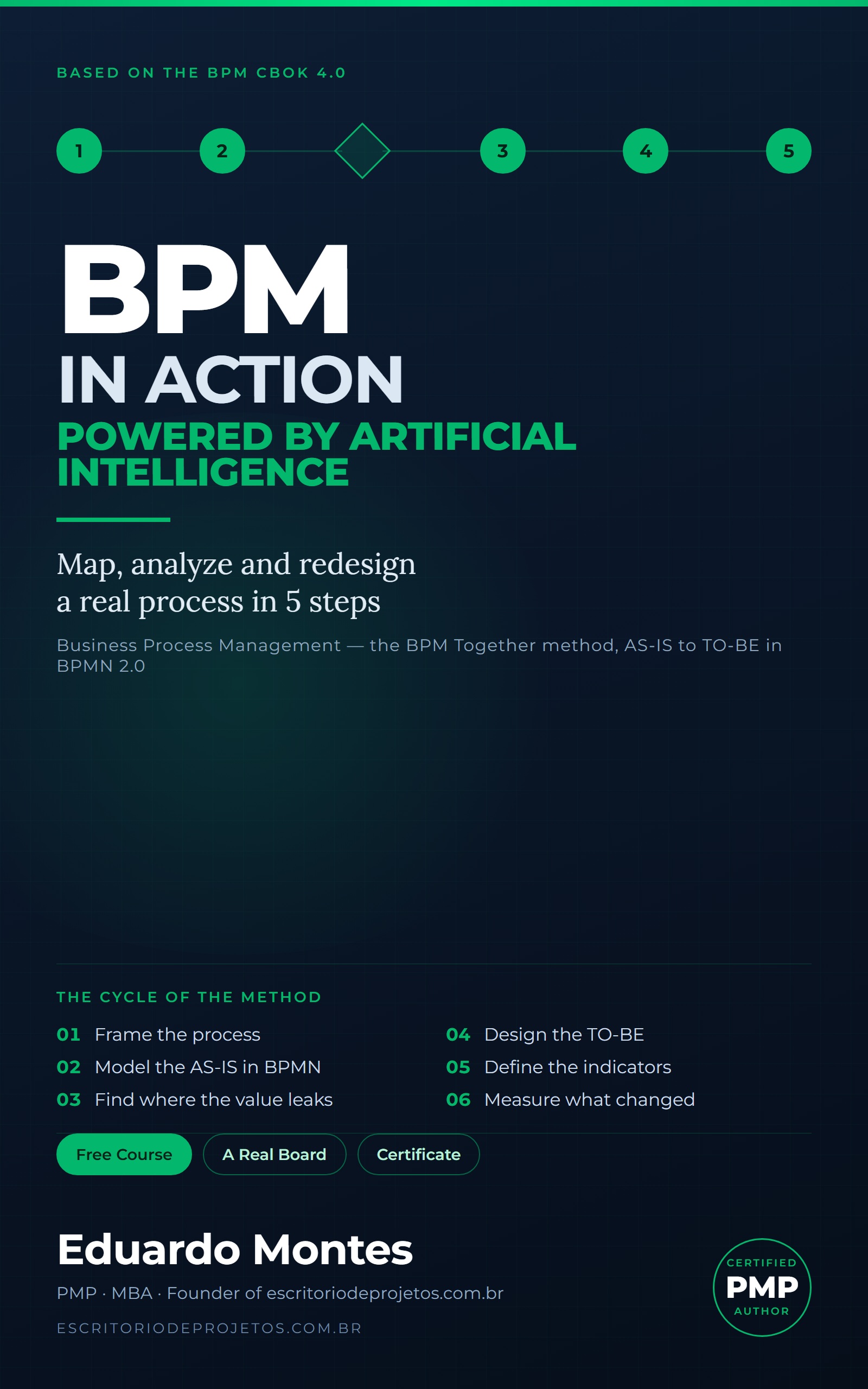
BPM in Action
Map, analyze and redesign one real process of your own in 5 steps — from the AS-IS draft to a BPMN 2.0 diagram, with AI at every phase.
See the book — US$ 5.99 →
 Project Management