
The last step consolidates your whole board into a presentation script — and asks the only question that matters: what actually changed.
Three Sprints in, you have a board full of evidence. The last step turns it into
something you can show someone.
What step 11 does
The final presentation step reads your board and writes a file —
apresentacao_dados.txt — with the whole cycle in it: achievement per KR,
the deliverables, the events held, and how the Sprints compared with each other. It also
creates a PROJECT SUMMARY card in Scrum Events, so the story stays on the board.
You type nothing. Everything in that file was already true before you ran it.
The structure it suggests
- Context (2 min)
- Objective and KRs (2 min)
- Product demo (5 min)
- The journey across the Sprints (3 min)
- OKR results (2 min)
- Lessons learned (3 min)
- Next steps (1 min)
- Acknowledgements (1 min)
Twenty minutes. The demo is the middle of it because the Review is where Scrum puts
the increment — you show the result working, you do not talk about it.
The part that is yours
Be honest about the direction of travel. A cycle where KR1 fell from 90% to 60% and
you know exactly why is worth more than one that sat at 85% and taught you nothing.
The question behind all of it
A prettier board is worth nothing if nothing changed. So the closing asks it plainly:
what did you actually change? Not what you planned — what is running now, what is
decided and scheduled, and what is still only on paper.
“Nothing has changed yet” is a valid answer, and a useful one, as long as
it comes with what is missing: a decision, an approval, a tool, time.
Your certificate
Complete the lessons and deliver the final presentation and the certificate is issued
in your name, with a public verification link you can put on LinkedIn.
But the certificate is not the artefact that matters. The board is. It is the one
thing you can open in front of someone and say: this is what I did, these are the three
Sprints, and this is what I learned in each.
Next
The cycle does not have to stop here. Run the course again on a different project — the package handles one folder per project, so the board you just finished stays exactly as it is.
Agile Together is a free course. The package — scripts plus a portable Python — is a single download: get the course package. You install nothing.
Project Together
Track your progress through PMBOK 8
Create your free account to save your reading progress, earn points on every quiz, and unlock certificates as you master each domain.
Create Free Account →Free forever • No credit card required
QUIZ
Want to test what you learned from this article?
One multiple-choice question + one practical reflection. Earn Project Together points!
Go deeper in the book
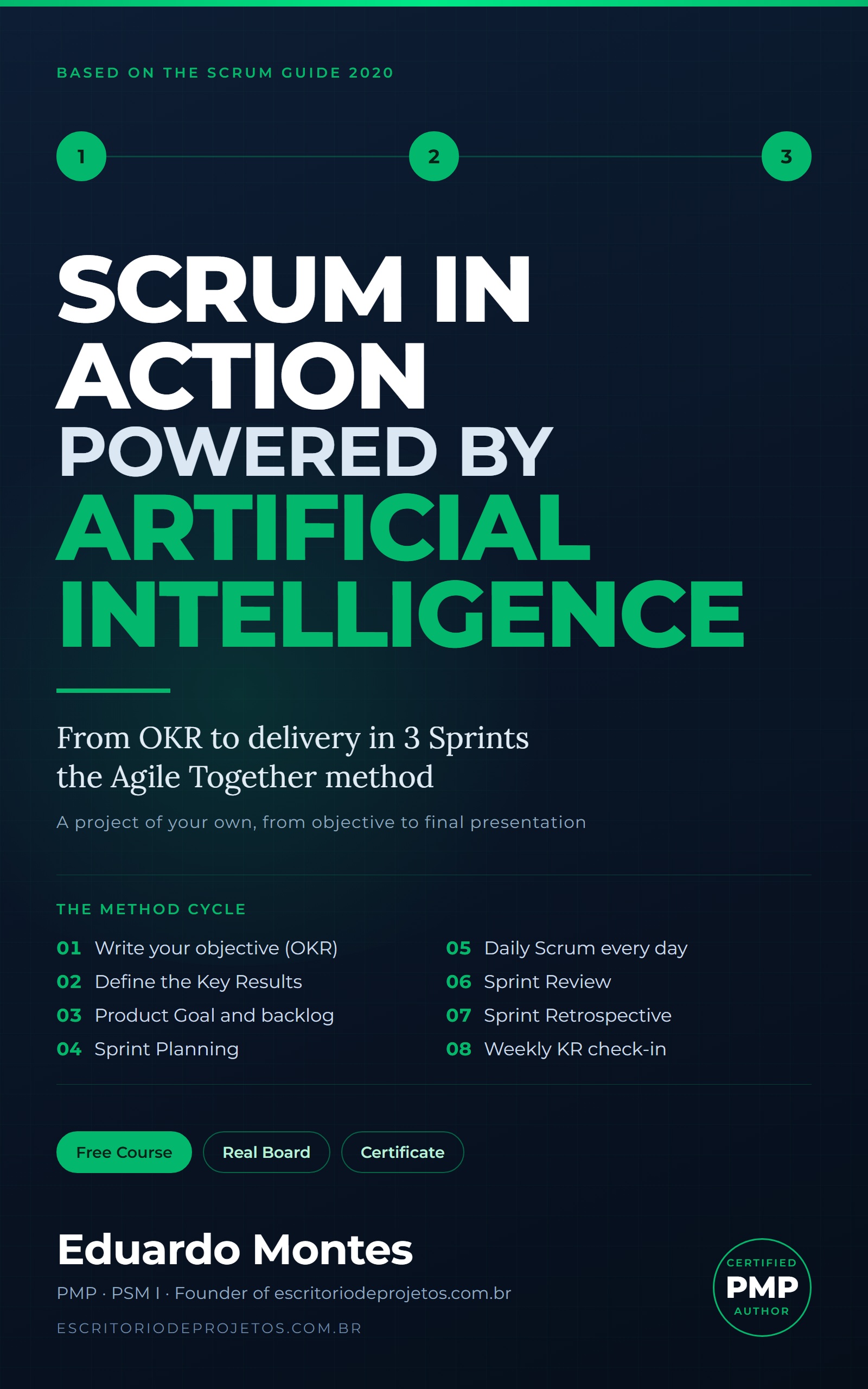
Scrum in Action
Three real Sprints on a project of your own, from the OKR to the final presentation, with the AI you already use at every event.
See the book — US$ 5.99 →
 Project Management