
This guide covers everything you need to know about schedule data in PMBOK 8. Schedule data is the collection of supporting information used to describe and manage the project schedule — it includes the activity attributes, resource assignments, float calculations, alternative schedule scenarios, and other detail that underlies the published schedule model.
What Is Schedule Data?
Schedule data is the information used to build, analyze, and maintain the project schedule. It encompasses all the inputs and intermediate outputs of the schedule development process: activity durations and their basis, predecessor and successor relationships, resource loading by activity, early and late start and finish dates, total and free float for each activity, schedule network diagrams, and alternative scenarios such as crashing or fast-tracking options.
Schedule data is the “supporting workbook” behind the published schedule. The schedule shows what is planned; the schedule data explains why those dates were chosen and what would need to change to alter them. When a sponsor asks “what would it take to finish two weeks early?” the schedule data provides the analysis basis for answering that question.
Schedule data is also used for what-if analysis: by modeling different scenarios in the schedule data (what if we add a developer? what if the vendor delivers two weeks late?), project managers can evaluate options and communicate their trade-offs to decision-makers before committing.
Schedule Data in PMBOK 8 — Domain and Process
In the PMBOK Guide 8th Edition, schedule data belongs to the Schedule Performance Domain and is produced during the Develop Schedule process. Schedule data is the detailed documentation that supports the schedule model and enables schedule analysis, compression, and what-if scenario evaluation.
Schedule data feeds into the schedule baseline (the approved schedule model derived from the schedule data) and the schedule management plan (informing how the schedule data will be maintained and updated). It is also the input for schedule forecasts and performance analysis during execution.
Key Elements of Schedule Data
Well-structured schedule data typically includes:
- Activity Attributes — duration estimates, basis of estimate, and scheduling constraints for each activity
- Network Diagram — the precedence diagram showing all activity dependencies
- Resource Loading Data — resource assignment by activity, showing demand over time
- Float Analysis — total float and free float for each activity
- Schedule Compression Options — crashing and fast-tracking scenarios with their trade-offs
- Schedule Assumptions and Constraints — the conditions under which the schedule was built
Schedule Data Example — Project Phoenix
The Project Phoenix schedule data package included a 67-activity precedence diagram, activity attribute sheets for the 15 most complex activities (documenting duration basis, resource rationale, and constraint logic), a resource loading histogram showing weekly resource demand across the project timeline, and a float analysis table showing that the critical path had zero float while the documentation activities had up to 12 days of total float.
When sponsor Riley Park asked in week eight whether the go-live date could be moved from May 2 to April 25, Alex used the schedule data to model the crashing option: adding 20 hours of Sam Lee overtime during the development sprint could compress the timeline by four business days, at an additional cost of $1,300. The analysis showed this was feasible but would consume 30% of the contingency reserve. Riley Park reviewed the trade-off and decided to maintain the original date rather than pay for compression. Without the schedule data, this analysis would have taken days rather than hours.
You can download the complete filled-in example below — it shows exactly how schedule data was used to support scheduling decisions in a real project.
Frequently Asked Questions
What is schedule data in PMBOK 8?
It is the supporting information behind the published schedule — activity attributes, resource assignments, float calculations, and alternative scenarios. It belongs to the Schedule Performance Domain.
Which process produces schedule data?
It is produced as part of Develop Schedule, underlying the schedule model.
How is schedule data different from the project schedule?
The project schedule is the presented model of dates and dependencies; schedule data is the detailed underlying information that supports and explains it.
Download Free Schedule Data Template and Example
We have prepared two free resources to help you build and use schedule data on your own projects:
- Download the Schedule Data Template — PMBOK 8 (blank, ready to fill in)
- Download the Schedule Data Example — Project Phoenix (filled in for a real $72K website launch)
Both are free downloads — no registration required.
Schedule Data — Best Practices and Common Mistakes
Document the basis for each duration estimate in the activity attributes — knowing why an activity was estimated at five days is as important as knowing the estimate itself. Maintain the network diagram separately from the Gantt chart so that dependency logic is clearly visible. Update the float analysis after every schedule update — float values change as actuals are recorded and forecasts are revised, and teams that rely on outdated float values make poor scheduling decisions.
The schedule data is most effective when it is treated as the analytical foundation of the schedule model, consulted whenever schedule decisions or changes are being evaluated. Teams that skip or rush schedule data documentation often find themselves unable to analyze schedule impacts quickly when sponsors ask for what-if scenarios.
Want to master project management with PMBOK 8? The PMBOK Guide 8th Edition is the definitive reference. Get your copy and use it alongside these free resources.
As an Amazon Associate, ProjectManagement.com.br earns from qualifying purchases. Links to Amazon on this page are affiliate links; the price you pay is unchanged.
Free Template & Filled-In Example
Apply what you’ve learned with these two free resources:
- Download the Free Schedule Data Template (PMBOK 8) — Ready-to-use blank template for your next project.
- Download the Filled-In Example — Project Phoenix — See exactly how this document was completed for a real $72K website launch project.
Exclusive launch offer · for readers of the books
The PMBOK 8 Quick Reference Guide is now only in the Together Kit
Buy PMBOK 8 in Action or Project Management in 10 Steps on Amazon, create your free account here, and download the book’s Together Kit: the templates, the worked examples, the one-page Guide with the 6 principles, the 7 performance domains and the 40 processes, and the PMBOK 8 Glossary. This is a launch offer and may be withdrawn.
PMBOK 8 in Action — $9.98 on Kindle →Project Management in 10 Steps — $6.99 on Kindle →
Free Template
Schedule Data — PMBOK 8

Schedule Data Template — Free Download (PMBOK 8)
Project Together
Track your progress through PMBOK 8
Create your free account to save your reading progress, earn points on every quiz, and unlock certificates as you master each domain.
Create Free Account →Free forever • No credit card required
QUIZ
Want to test what you learned from this article?
One multiple-choice question + one practical reflection. Earn Project Together points!
Go deeper in the book
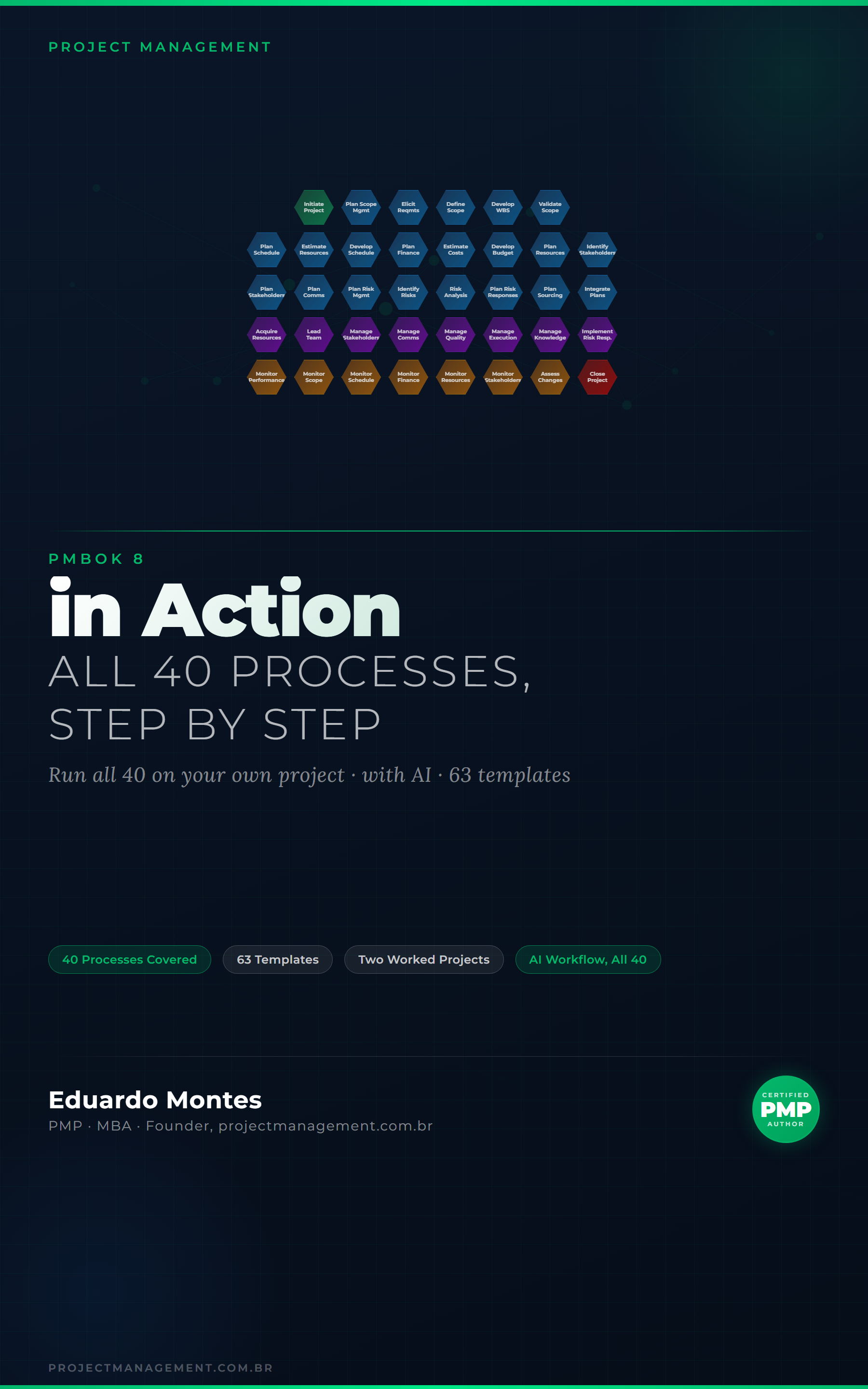
PMBOK 8 in Action
The 40 processes of the PMBOK 8 Guide applied to one real project, with the finished artefact at every step.
See the book — US$ 9.98 →




 Project Management