
This guide covers everything you need to know about resource calendars in PMBOK 8. Resource calendars document the working time, availability, and capacity of each project resource — they are the individual-level scheduling constraints that ensure activities are not assigned to resources who are unavailable, on leave, or committed elsewhere.
What Are Resource Calendars?
Resource calendars are documents or scheduling configurations that specify the availability of each project resource — individual team members, equipment, facilities, or vendor capacity — for project work. They capture non-standard working hours, vacation and leave schedules, shared resource commitments to other projects, equipment maintenance windows, and any other constraints on resource availability.
Resource calendars are distinct from the project calendar: the project calendar defines when project work in general can occur; resource calendars define when specific resources are available for that work. A team member may be unavailable for three weeks during peak project activity due to a pre-planned vacation — the resource calendar captures this constraint so the schedule reflects reality.
Failure to maintain accurate resource calendars leads to schedule plans that are technically sound but practically impossible — activities are assigned to people who are not available to do them, resulting in schedule slippage that was entirely foreseeable.
Resource Calendars in PMBOK 8 — Domain and Process
In the PMBOK Guide 8th Edition, resource calendars belong to the Resources Performance Domain and are produced during the Acquire Resources process. Resource calendars are a prerequisite for realistic schedule development — the project schedule cannot be reliable without accurate resource availability data.
Resource calendars feed directly into the project schedule (determining when each activity can be assigned to a resource), resource requirements (confirming availability to meet the resource plan), and cost estimates (converting available hours to cost based on resource rates).
Key Elements of Resource Calendars
Well-structured resource calendars typically include:
- Resource Name — the specific person, equipment, or facility the calendar applies to
- Standard Working Hours — the resource’s normal working schedule
- Non-Available Periods — vacation, leave, training, maintenance windows, or other unavailability
- Allocation to Other Projects — hours committed to concurrent projects that reduce availability
- Maximum Availability Percentage — the proportion of working time available for this project
- Special Availability Periods — extended hours, weekends, or on-call commitments during critical periods
Resource Calendars Example — Project Phoenix
Alex Morgan maintained resource calendars for all five team members and the CloudHost Pro server. Key entries: Sam Lee had a pre-booked vacation from March 4-8 (spring break), which Alex worked around by front-loading his development tasks. John Tran’s calendar was updated on March 28 when his unplanned leave was confirmed, blocking his availability from March 28 to April 8 and reducing his allocation from 60% to 40% upon return. Maria Santos joined the project on March 25 at 50% allocation, reflecting her concurrent commitment to another MCG QA project.
The CloudHost Pro server calendar included a monthly maintenance window (first Sunday of each month, 2-4 AM) that was relevant to the go-live weekend planning — the May 4 maintenance window was confirmed with CloudHost Pro to be rescheduled to May 11, preventing any conflict with the post-launch stabilization period. Maintaining these calendars with current information was a weekly task during execution, and it prevented two schedule conflicts that would have caused delays.
You can download the complete filled-in example below — it shows exactly how resource calendars were maintained in a real project.
Frequently Asked Questions
What are resource calendars in PMBOK 8?
They document the working time, availability, and capacity of each project resource. They belong to the Resources Performance Domain.
Which process produces resource calendars?
They are established as resources are obtained, in the Acquire Resources process.
Why do resource calendars matter?
They prevent activities from being assigned to resources who are unavailable, on leave, or committed elsewhere — keeping the schedule realistic.
Download Free Resource Calendars Template and Example
We have prepared two free resources to help you maintain resource calendars on your own projects:
- Download the Resource Calendars Template — PMBOK 8 (blank, ready to fill in)
- Download the Resource Calendars Example — Project Phoenix (filled in for a real $72K website launch)
Both are free downloads — no registration required.
Resource Calendars — Best Practices and Common Mistakes
Collect resource availability information from team members and their managers at the start of the project, not when the schedule is already built. Update resource calendars within 24 hours whenever availability changes — an outdated calendar is worse than no calendar because it gives false confidence. For critical path resources, review the resource calendar at every status meeting to catch upcoming conflicts early.
The resource calendars are most effective when they reflect actual individual availability rather than theoretical working hours. Teams that skip or rush resource calendar setup often build schedules with impossible resource loading, leading to deadline failures that were predictable from the start.
Want to master project management with PMBOK 8? The PMBOK Guide 8th Edition is the definitive reference. Get your copy and use it alongside these free resources.
As an Amazon Associate, ProjectManagement.com.br earns from qualifying purchases. Links to Amazon on this page are affiliate links; the price you pay is unchanged.
Free Template & Filled-In Example
Apply what you’ve learned with these two free resources:
- Download the Free Resource Calendars Template (PMBOK 8) — Ready-to-use blank template for your next project.
- Download the Filled-In Example — Project Phoenix — See exactly how this document was completed for a real $72K website launch project.
Exclusive launch offer · for readers of the books
The PMBOK 8 Quick Reference Guide is now only in the Together Kit
Buy PMBOK 8 in Action or Project Management in 10 Steps on Amazon, create your free account here, and download the book’s Together Kit: the templates, the worked examples, the one-page Guide with the 6 principles, the 7 performance domains and the 40 processes, and the PMBOK 8 Glossary. This is a launch offer and may be withdrawn.
PMBOK 8 in Action — $9.98 on Kindle →Project Management in 10 Steps — $6.99 on Kindle →
Free Template
Resource Calendars — PMBOK 8

Resource Calendars Template — Free Download (PMBOK 8)
Project Together
Track your progress through PMBOK 8
Create your free account to save your reading progress, earn points on every quiz, and unlock certificates as you master each domain.
Create Free Account →Free forever • No credit card required
QUIZ
Want to test what you learned from this article?
One multiple-choice question + one practical reflection. Earn Project Together points!
Go deeper in the book
PMBOK 8 in Action
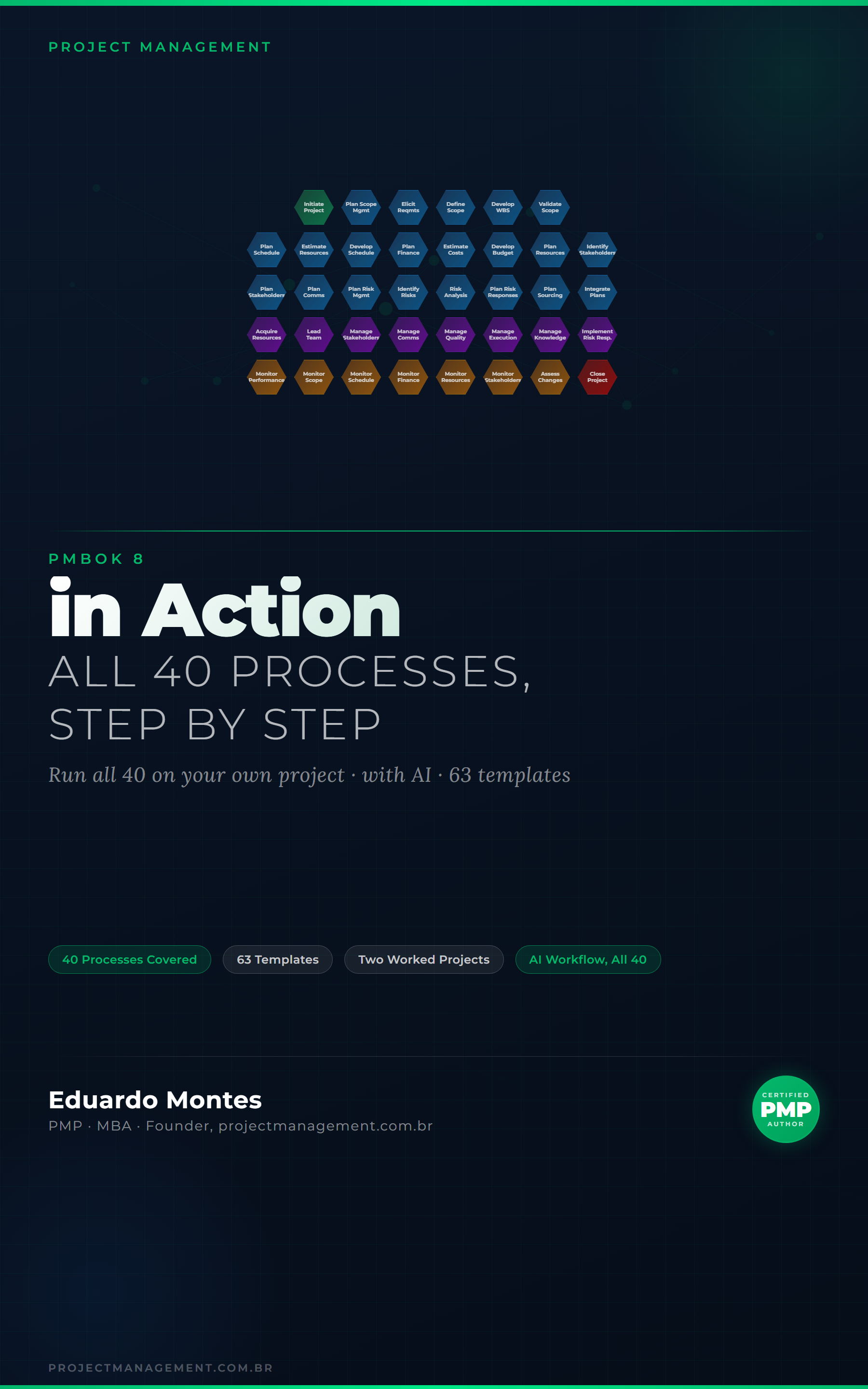
The 40 processes of the PMBOK 8 Guide applied to one real project, with the finished artefact at every step.
See the book — US$ 9.98 →




 Project Management