
This guide covers everything you need to know about the project schedule in PMBOK 8. The project schedule is the time-ordered plan for executing all project activities — it shows when each activity starts and finishes, the dependencies between activities, the critical path, and the float available for non-critical activities.
What Is the Project Schedule?
The project schedule is a model that represents the planned execution of project activities over time. It includes all scheduled activities with their start and finish dates, durations, dependencies, assigned resources, and milestones. The project schedule is built from the activity list, activity sequencing, resource assignments, and project calendars, and it is the primary tool for managing day-to-day project execution and communicating timelines to stakeholders.
The project schedule is different from the schedule baseline: the schedule is the current working version, updated regularly as actuals are recorded; the schedule baseline is the approved reference version against which performance is measured. Both are essential.
A good project schedule tells the team not just what to work on but in what order, why certain activities cannot start before others, and which activities are on the critical path — meaning any delay to them directly delays the project finish date.
Project Schedule in PMBOK 8 — Domain and Process
In the PMBOK Guide 8th Edition, the project schedule belongs to the Schedule Performance Domain and is produced during the Develop Schedule process. PMBOK 8 treats schedule development as an iterative, integrated activity that requires inputs from all other performance domains to produce a realistic, executable plan.
The project schedule feeds into the schedule baseline (the approved version), resource assignments (confirming resource loading), cost estimates (translating time to cost), and risk management (identifying schedule risks on the critical path).
Key Elements of the Project Schedule
A well-structured project schedule typically includes:
- Activity List with Durations — all scheduled activities with their planned durations
- Predecessors and Successors — dependency relationships between activities (FS, SS, FF, SF)
- Start and Finish Dates — planned early start, early finish, late start, and late finish for each activity
- Critical Path — the longest path through the network determining the minimum project duration
- Float or Slack — the amount of delay each non-critical activity can absorb without affecting the project finish
- Milestones — zero-duration markers indicating key project events or deliverable completions
Project Schedule Example — Project Phoenix
The Project Phoenix schedule contained 67 activities across six WBS packages, organized in a 20-week timeline from January 8 to May 10, 2024. The critical path ran through five activities: Develop Frontend (15 days), Develop Backend (12 days), Integration Testing (5 days), UAT (5 days), and Go-Live Deployment (1 day). A delay on any of these activities would directly delay the May 2 go-live date.
The Development package contained the highest-float activities: the documentation tasks had 12 days of float, meaning they could slip significantly without threatening the schedule. Alex updated the schedule every Friday after the team standup, recording actual start/finish dates and revised forecasts. When John Tran took unplanned leave in week 11, the schedule impact analysis showed a potential four-day delay to the critical path — which Alex resolved by resequencing two frontend tasks and adding hours for Sam Lee, keeping the go-live date intact.
You can download the complete filled-in example below — it shows exactly how the project schedule was built and managed in a real project.
Frequently Asked Questions
What is the project schedule in PMBOK 8?
It is the time-ordered plan for executing all project activities, showing start and finish dates, dependencies, the critical path, and available float. It belongs to the Schedule Performance Domain.
Which process produces the project schedule?
The Develop Schedule process produces it from the activity sequence, durations, resources, and constraints.
How is the project schedule different from the schedule baseline?
The project schedule is the working, current model; the schedule baseline is the approved version frozen as the reference for measuring schedule performance.
Download Free Project Schedule Template and Example
We have prepared two free resources to help you build a project schedule for your own projects:
- Download the Project Schedule Template — PMBOK 8 (blank, ready to fill in)
- Download the Project Schedule Example — Project Phoenix (filled in for a real $72K website launch)
Both are free downloads — no registration required.
Project Schedule — Best Practices and Common Mistakes
Always identify the critical path explicitly — teams that do not know their critical path cannot make informed trade-off decisions when problems arise. Build schedule reserves (buffer activities) at the end of each phase rather than padding individual task estimates. Update the schedule weekly with actual progress, not monthly — monthly updates hide problems until they are too large to recover from.
The project schedule is most effective when it is built collaboratively with the team members doing the work, reviewed regularly, and used as the primary execution tool rather than a static planning artifact. Teams that skip or rush schedule development often discover late that their timeline was never achievable.
Want to master project management with PMBOK 8? The PMBOK Guide 8th Edition is the definitive reference. Get your copy and use it alongside these free resources.
As an Amazon Associate, ProjectManagement.com.br earns from qualifying purchases. Links to Amazon on this page are affiliate links; the price you pay is unchanged.
Exclusive launch offer · for readers of the books
The PMBOK 8 Quick Reference Guide is now only in the Together Kit
Buy PMBOK 8 in Action or Project Management in 10 Steps on Amazon, create your free account here, and download the book’s Together Kit: the templates, the worked examples, the one-page Guide with the 6 principles, the 7 performance domains and the 40 processes, and the PMBOK 8 Glossary. This is a launch offer and may be withdrawn.
PMBOK 8 in Action — $9.98 on Kindle →Project Management in 10 Steps — $6.99 on Kindle →
Free Template
Project Schedule — PMBOK 8

Project Schedule Template — Free Download (PMBOK 8)
Project Together
Track your progress through PMBOK 8
Create your free account to save your reading progress, earn points on every quiz, and unlock certificates as you master each domain.
Create Free Account →Free forever • No credit card required
QUIZ
Want to test what you learned from this article?
One multiple-choice question + one practical reflection. Earn Project Together points!
Go deeper in the book
PMBOK 8 in Action
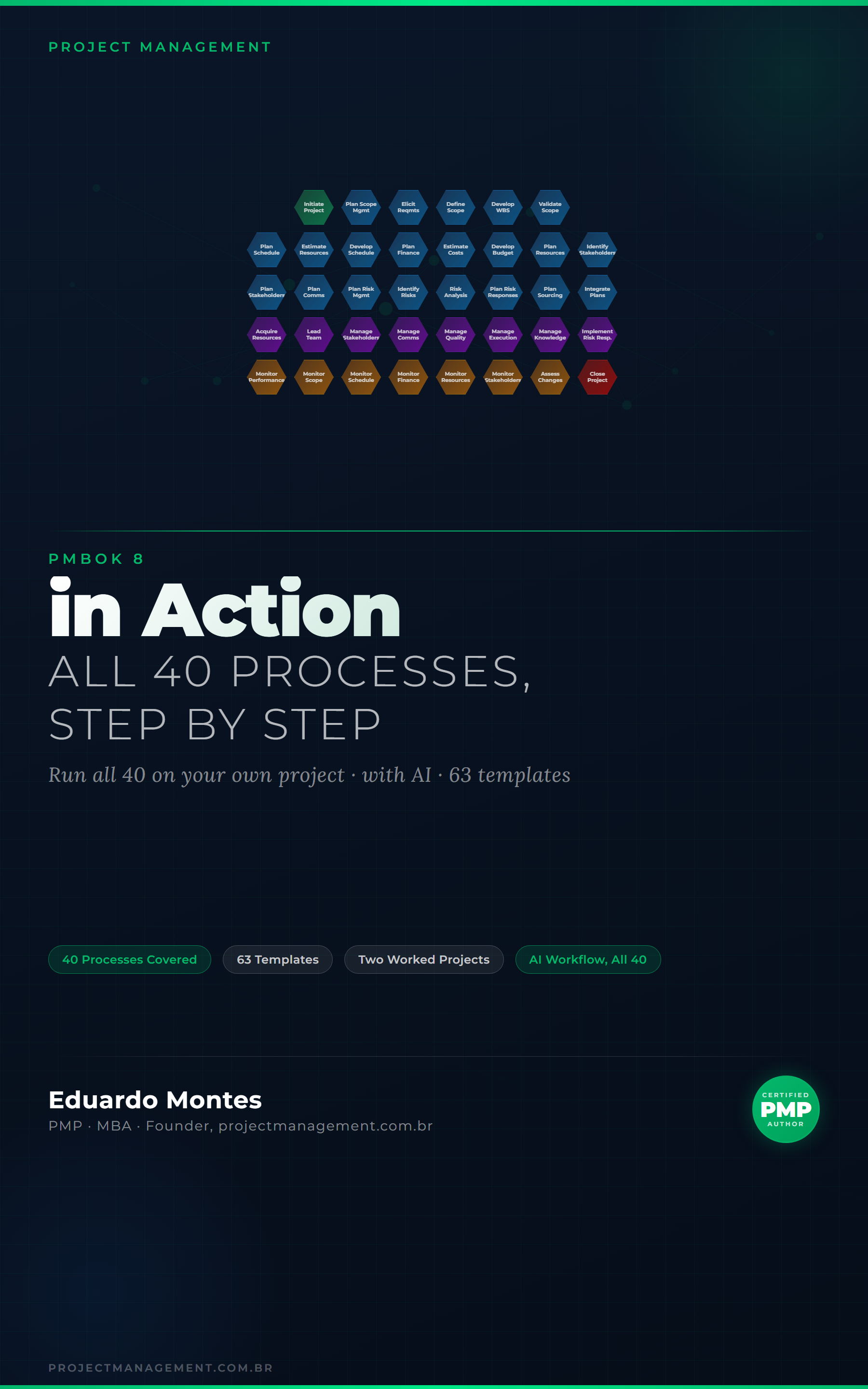
The 40 processes of the PMBOK 8 Guide applied to one real project, with the finished artefact at every step.
See the book — US$ 9.98 →




 Project Management